Privacy you can check
After your first cutout, turn off Wi-Fi and try another. It still works, because your photo never goes anywhere. No upload, no account, no tracking.
Remove backgrounds on your device. Your images never leave it.

or drop one anywhere on this page, or paste with Ctrl+V
No photo handy? Try one:
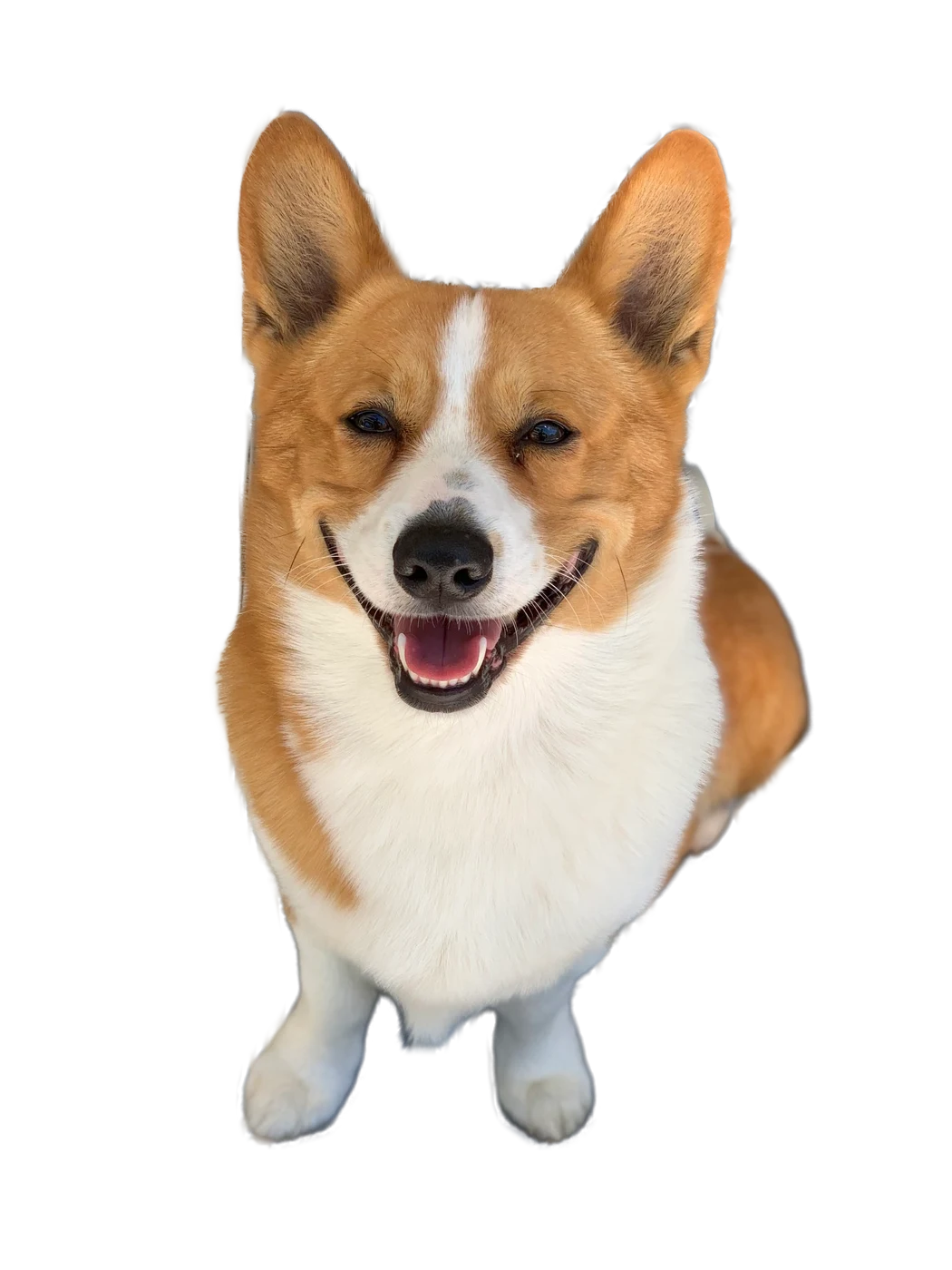
Sample photos: corgi, ours; portrait by Rod Waddington (CC BY-SA 2.0), cat by Catzyofficial (CC BY 4.0), watch by Petar Milošević (CC BY-SA 4.0), via Wikimedia Commons.
Getting the model, 98 MB, once. After this it works offline.
Starting…
Removing the background on this device…
Something went wrong.
Extension: 14 days free · No card or account · Then $20/year, $1.99/month or $35 lifetime
Why BGScrub
After your first cutout, turn off Wi-Fi and try another. It still works, because your photo never goes anywhere. No upload, no account, no tracking.
BGScrub only decides which pixels are background and makes them transparent. The subject stays your photo: nothing is redrawn, smoothed or regenerated.
A background remover at full resolution for free: 3 full-size transparent PNGs a day here, unlimited at 1,024 px, and no watermark on anything.
The model downloads once (98 MB) and stays in your browser. On a train, a plane or hotel Wi-Fi, it keeps working.
How it works
With BGScrub for Chrome you never save, upload or download first. Remove the background from any image on any site in three steps.
On a shop, a doc, a search result. Choose Remove background.
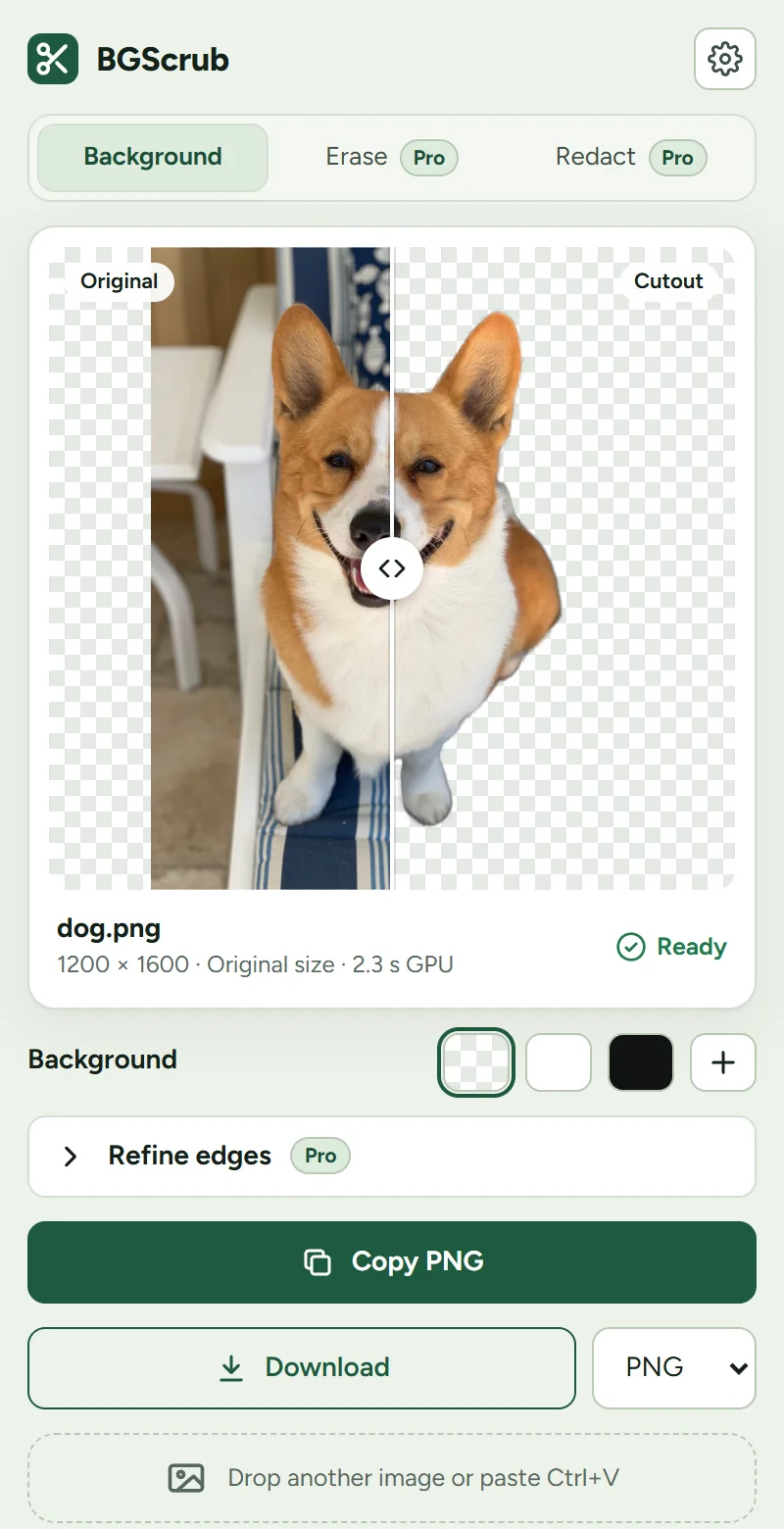
The side panel cuts it out on your computer, at full resolution, in seconds.
A transparent PNG goes straight to your clipboard: slides, docs, chats, design tools.
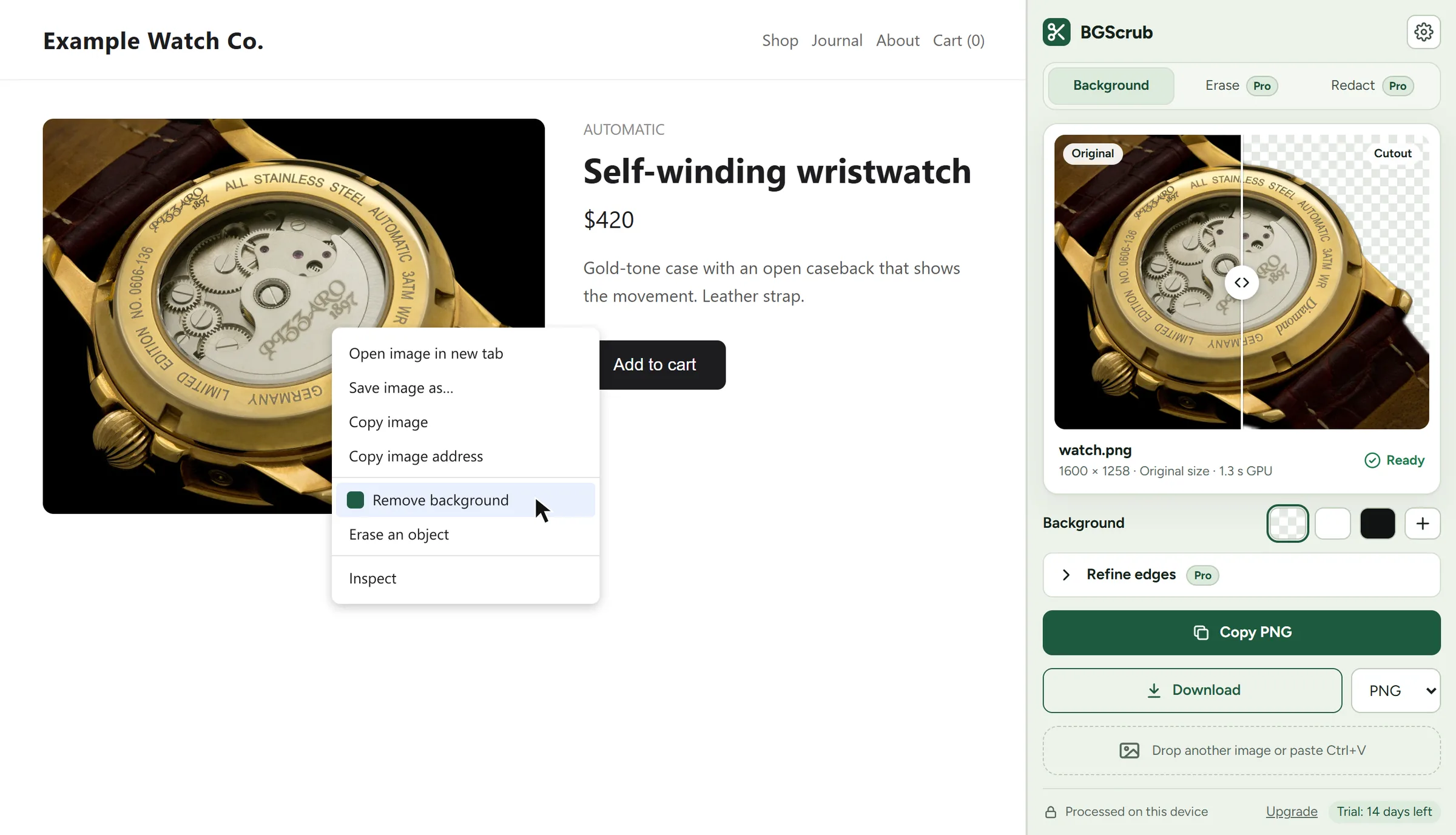
In the extension
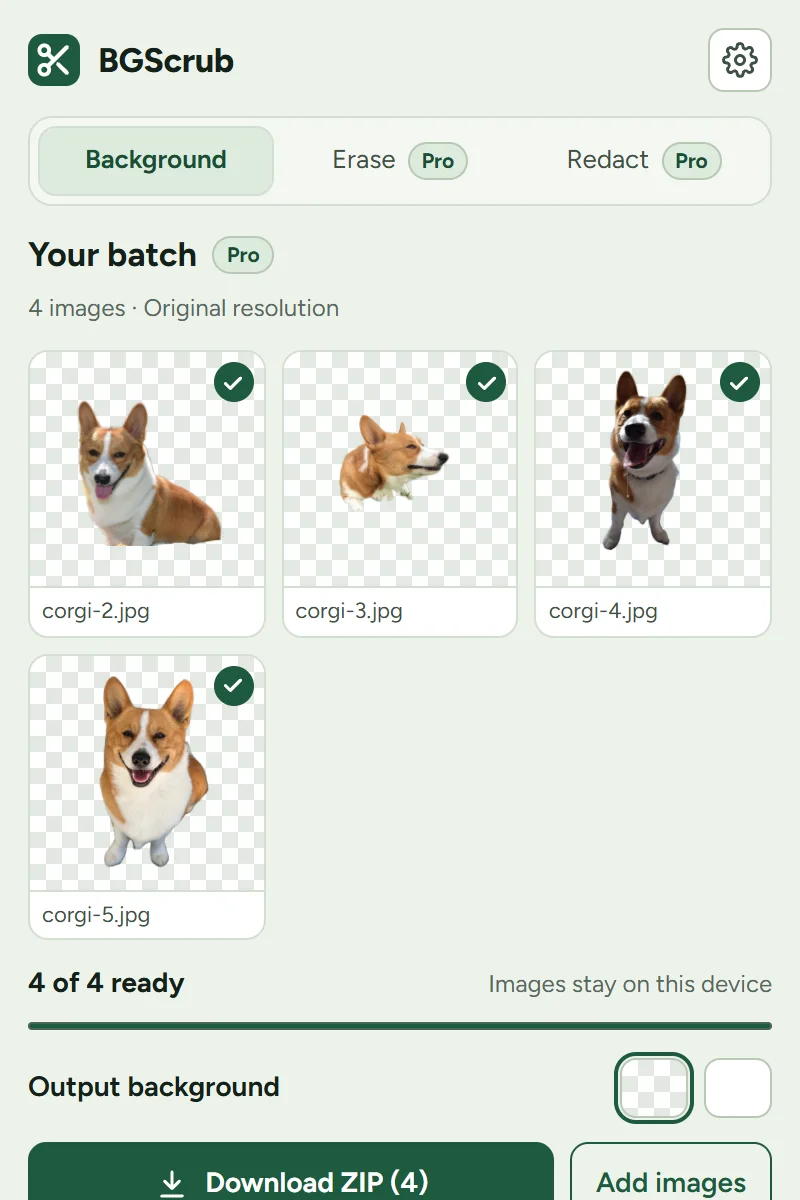
Drop a folder of product photos into the extension and get every cutout back at its original resolution, as one ZIP, on transparent or white.
In the Chrome extension.
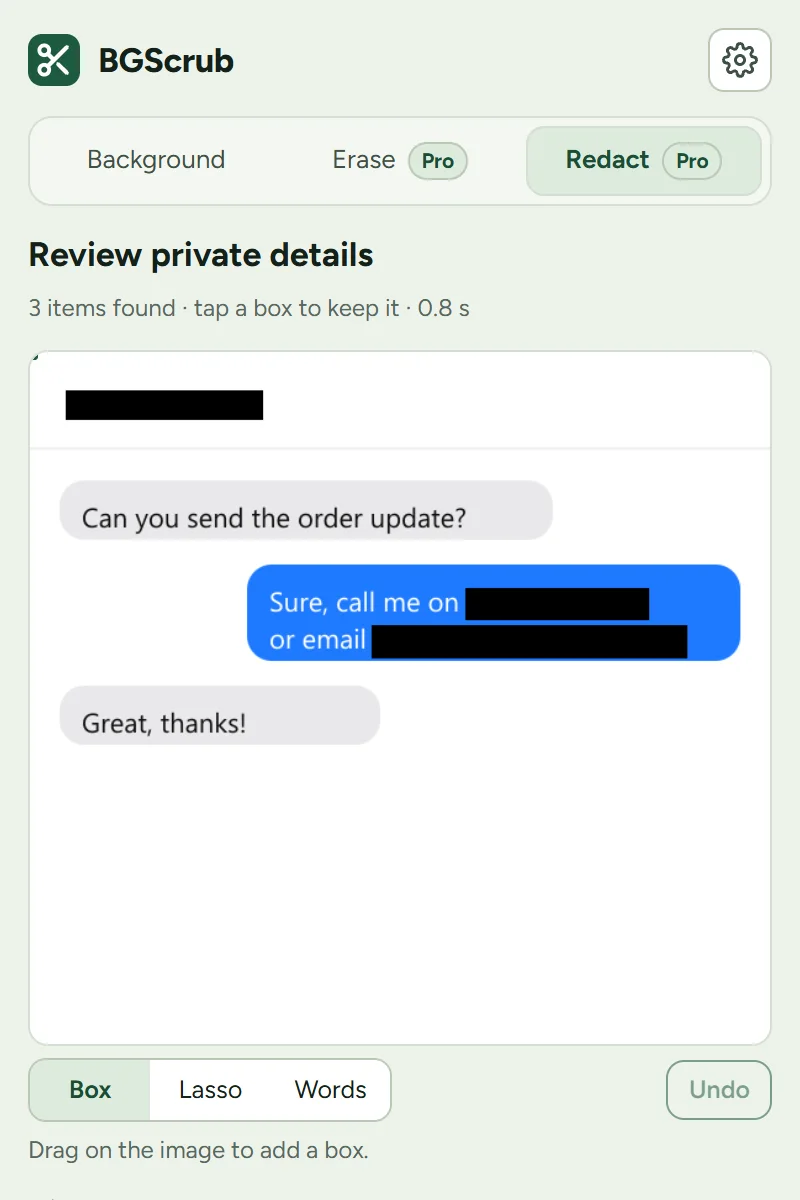
Hide names, emails, phone numbers and faces in a screenshot before you share it, found and covered on your device.
In the Chrome extension.
BGScrub for Chrome
Available now on the Chrome Web Store
Add to Chrome, free for 14 days
No card or account for the trial. Then $20/year, $1.99/month or $35 lifetime.
Free vs extension
Use the website as much as you like. If you remove backgrounds every week, the extension saves the steps: no saving and re-uploading, no 1,024 px cap, no daily limit.
Trial: 14 days, no card, no account. Then $1.99/month, $20/year or $35 lifetime.
Prefer to own it? $35 once costs less than two years of the yearly plan.
FAQ
Yes. The model runs inside your browser using WebGPU (or WebAssembly on computers without it). Your photo is read, cut out and saved on your own device. There is no server that receives images, and this site has no analytics or trackers. Read the privacy policy.
That's the background-removal model. Your browser fetches it once from Hugging Face, checks it, and keeps it. After that, remove bg works straight away, even offline.
The web tool is free: unlimited cutouts at 1,024 px on the long side, plus 3 full-resolution saves a day. When those run out you still get your transparent PNG at 1,024 px. The Chrome extension saves everything at full resolution: free for 14 days, then $20/year, $1.99/month or $35 lifetime.
Product photos on white, a transparent PNG logo or portrait, stickers, slide images, profile pictures. It works best on a clear subject: people, pets, products. See-through things like glass and smoke are hard for any bg remover, so check the edges.
Recent Chrome and Edge are fastest (WebGPU). Firefox and Safari work too using the CPU, which is slower. JPG, PNG, WebP and AVIF are supported; HEIC depends on your browser.
No, BGScrub isn't affiliated with remove.bg. remove.bg's standalone service closes on 1 December 2026; BGScrub runs on your device instead, so there is nothing to upload and no account to create. More in life after remove.bg.